How Do I Sign Up?Updated 3 months ago
Getting started with Farmers Pick is easy! Just follow these steps to customise your first order and create your subscription:
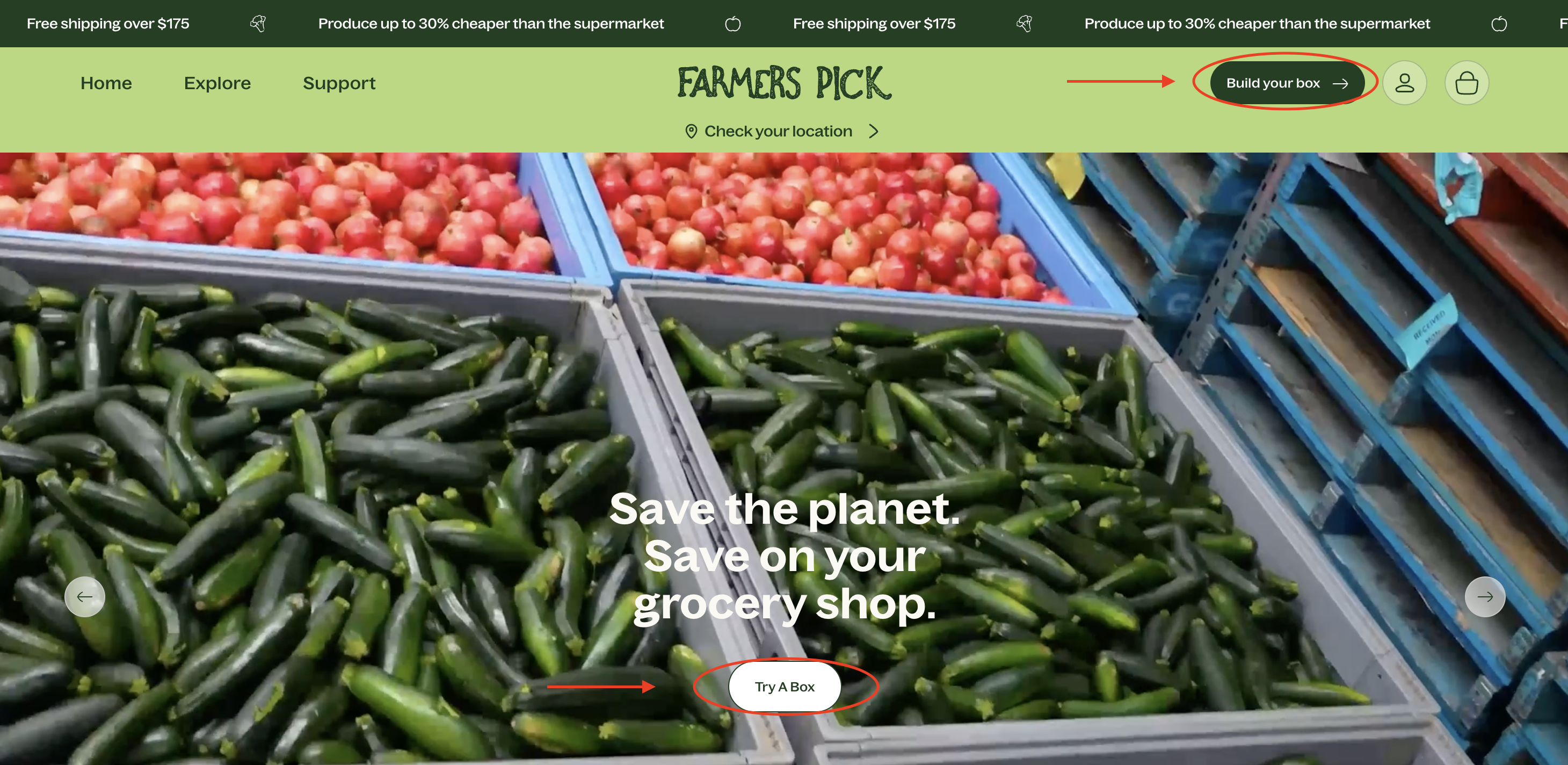
Visit Our Website: Head to to farmerspick.com.au.
Start Building Your Box:
- Click "Build Your Box" in the top right-hand corner of the banner, or
- Select "Try A Box" on the main page.
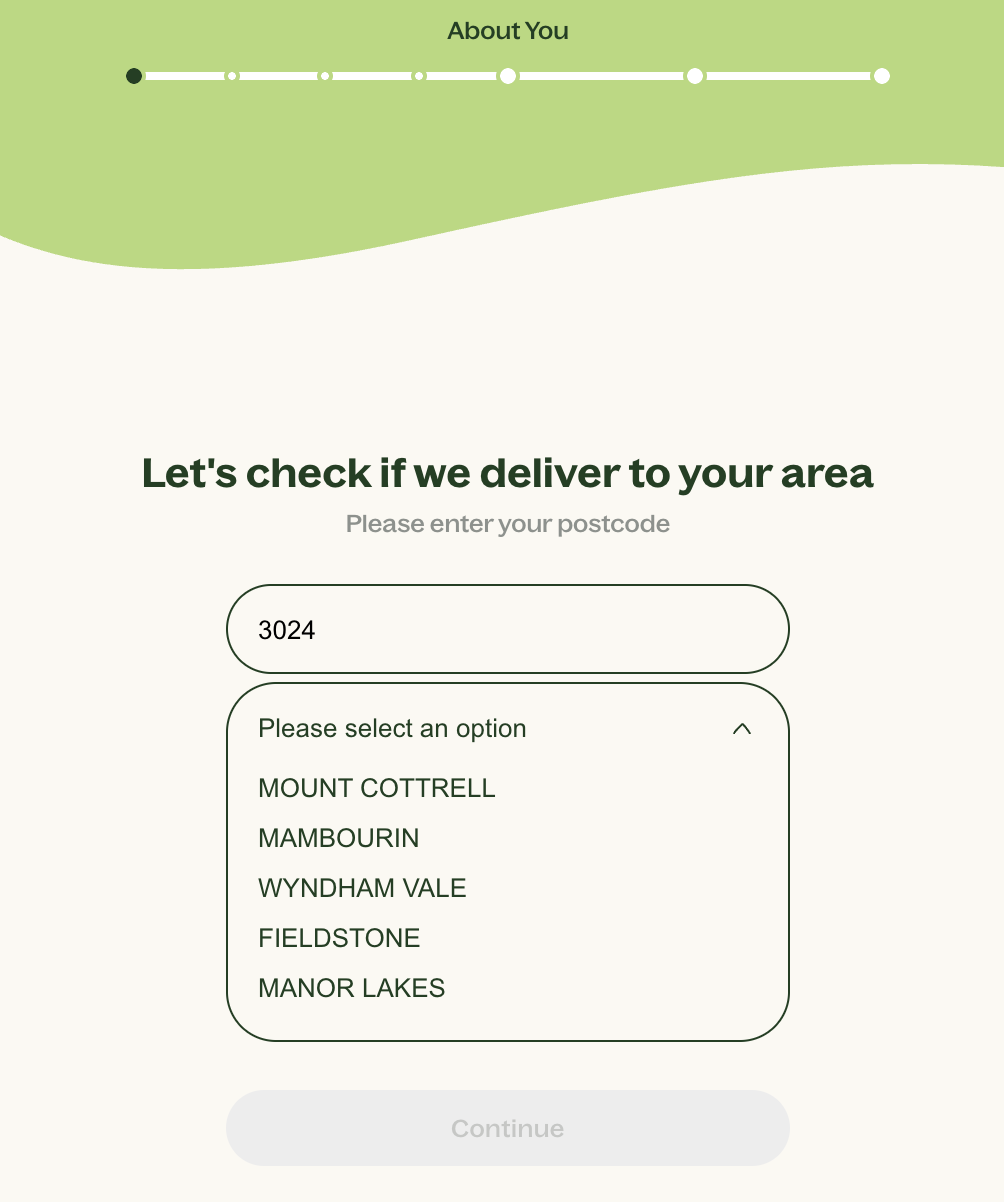
Step 1: Personalise Your Box
- Submit your postcode and suburb
 NB: If we don't service your postcode, a pop up will appear.
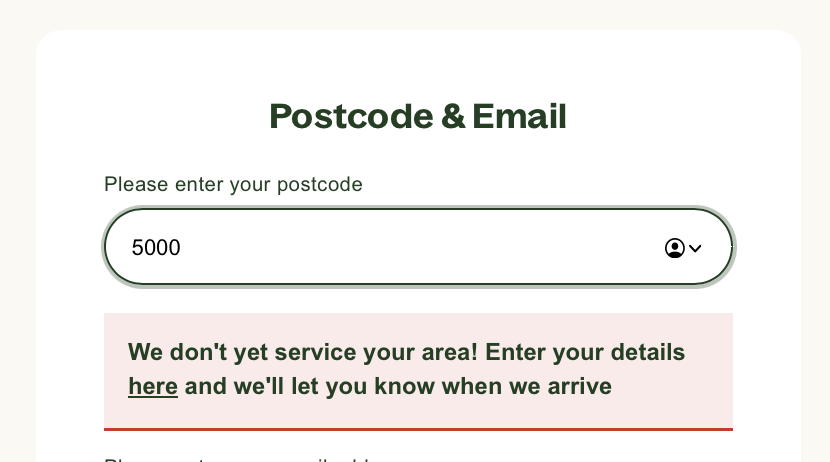
Enter in your contact details if you would like to be notified via email when we service your location. Please note that we regularly review this information, alongside the routing team from our delivery partner, to see if we can open up new locations.
- Answer a few quick questions so we can provide you with relevant subscription options, note all options are flexible and not fixed if you wish to make any changes at any stage. (What type of box are you after, how many people are in your household, how often do you cook?).
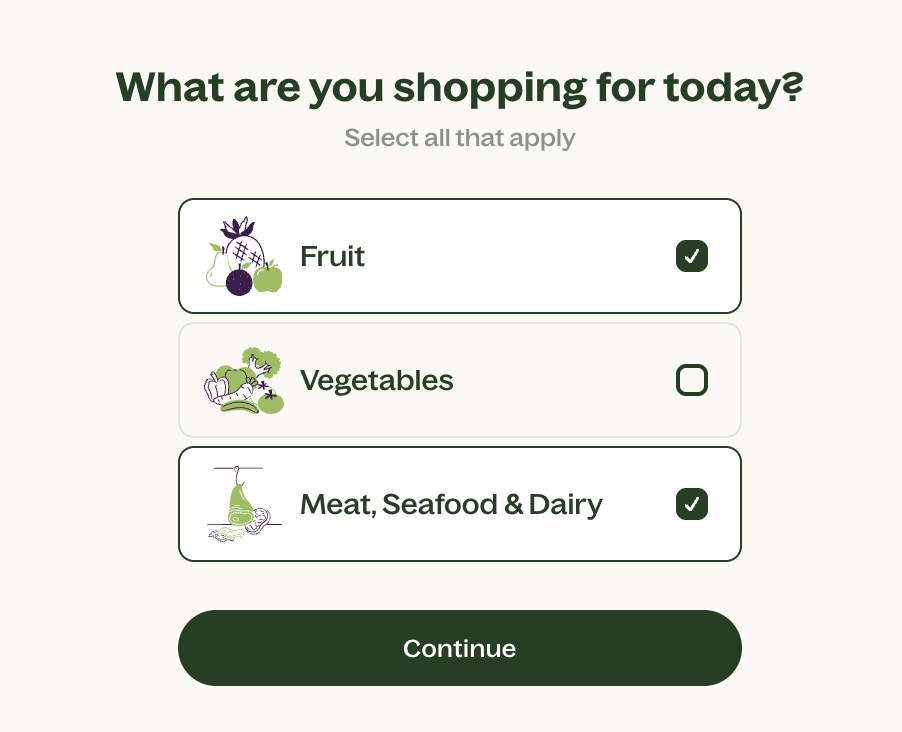
- Review your recommendations
- Choose from:
- Produce box (fruit only, fruit and veg or veg only - remember to select organic if you wish to receive organic produce) and/or
- Butcher's box (Small, medium, large, or create your own)
- Choose from:
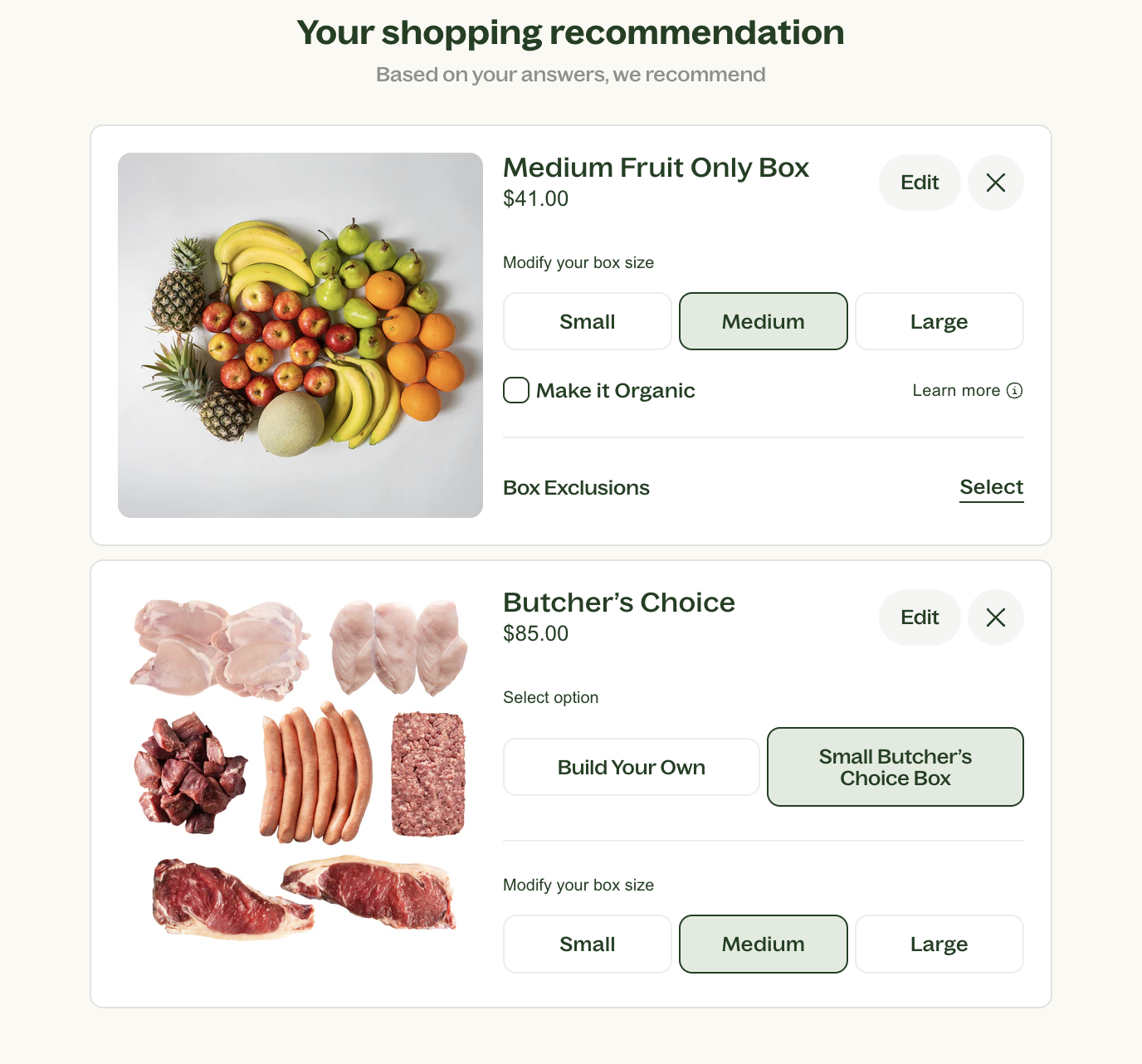
- Dietary Requirements
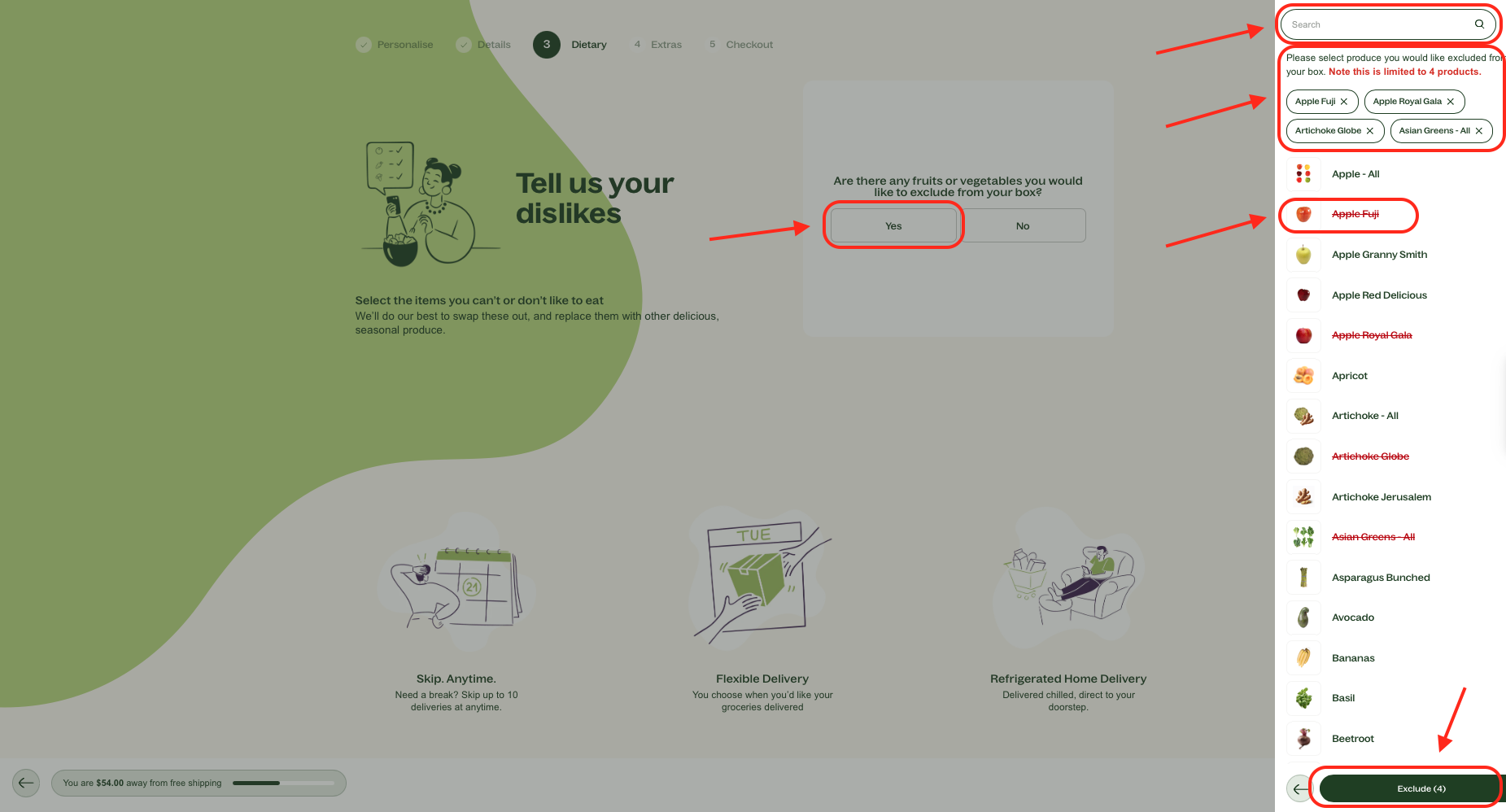
- For your produce boxes you are able to specify any fruit or vegetables you’d like excluded from your orders by clicking on Select (to the right of Box Exclusions) and choosing up to four unwanted items.
- If you don’t wish to exclude anything, please scroll down to the delivery and date frequency.
- Select your delivery date and frequency
- Frequency (Weekly, Fortnightly or monthly)
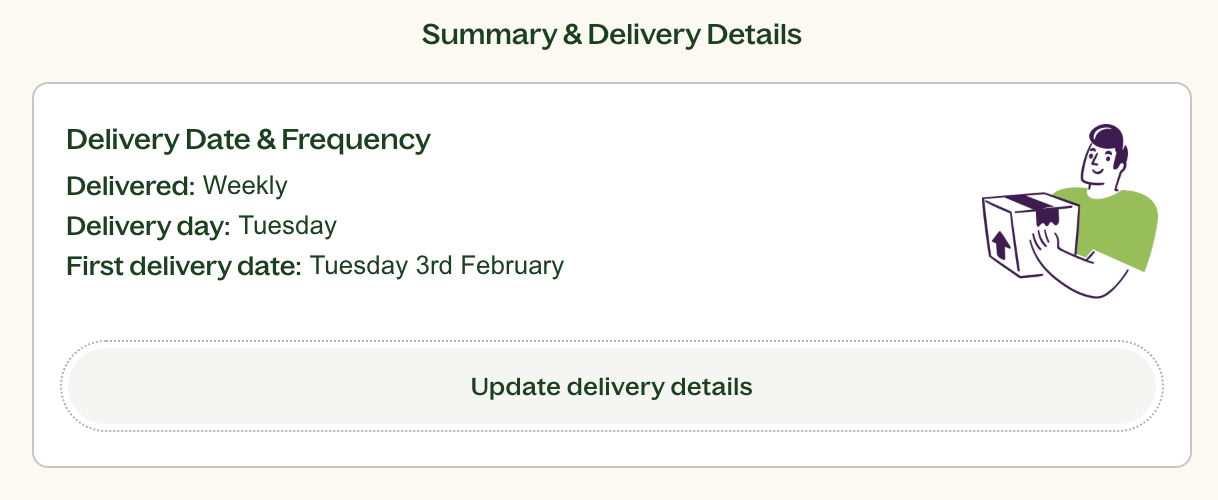
- Frequency (Weekly, Fortnightly or monthly)
- Press Continue.
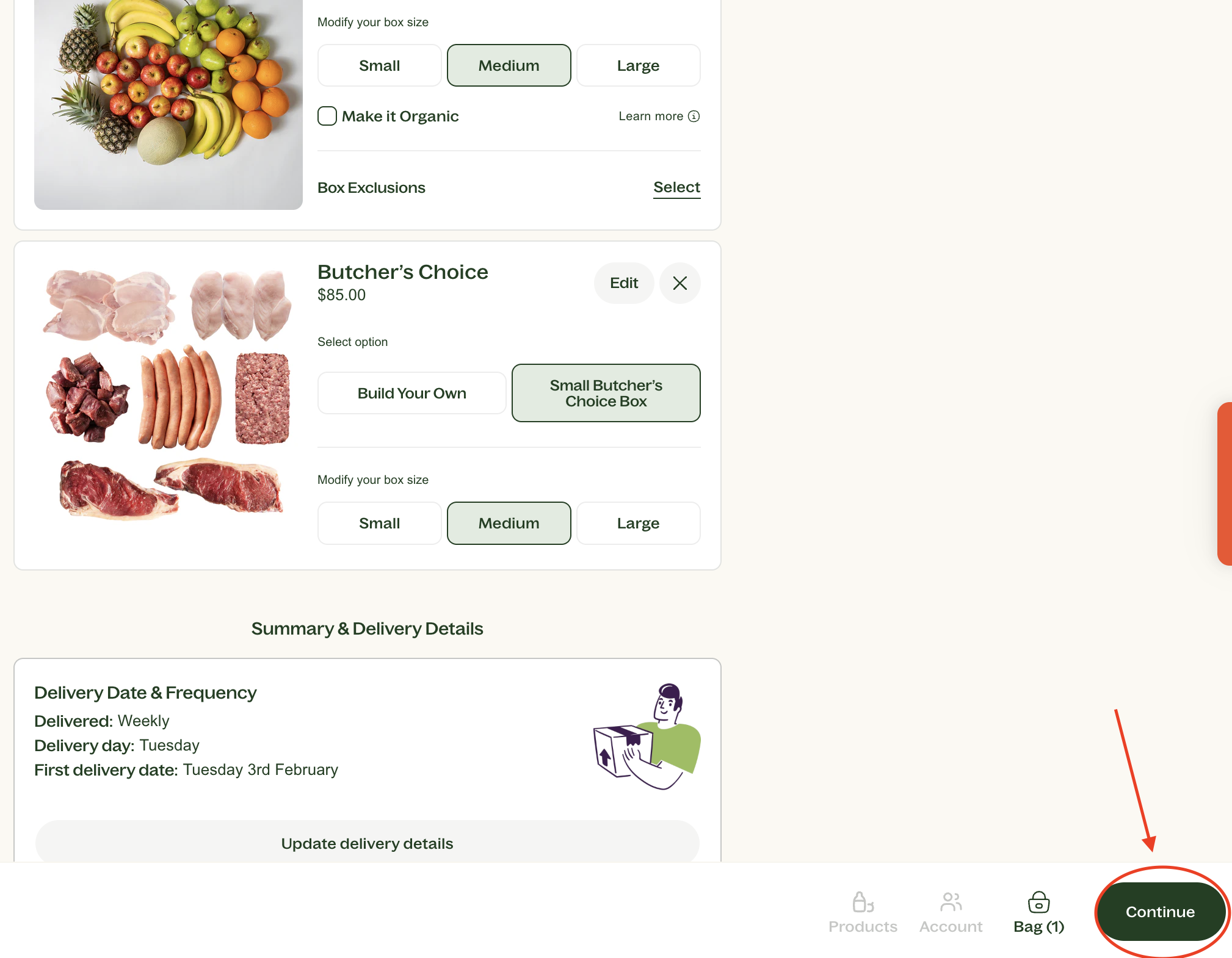
- Select any extras you may like, this includes pantry, dairy or many more items.
Step 2: Enter Your Details and Confirm Your Order
- Once you have added all of the items you wish to purchase click View Cart
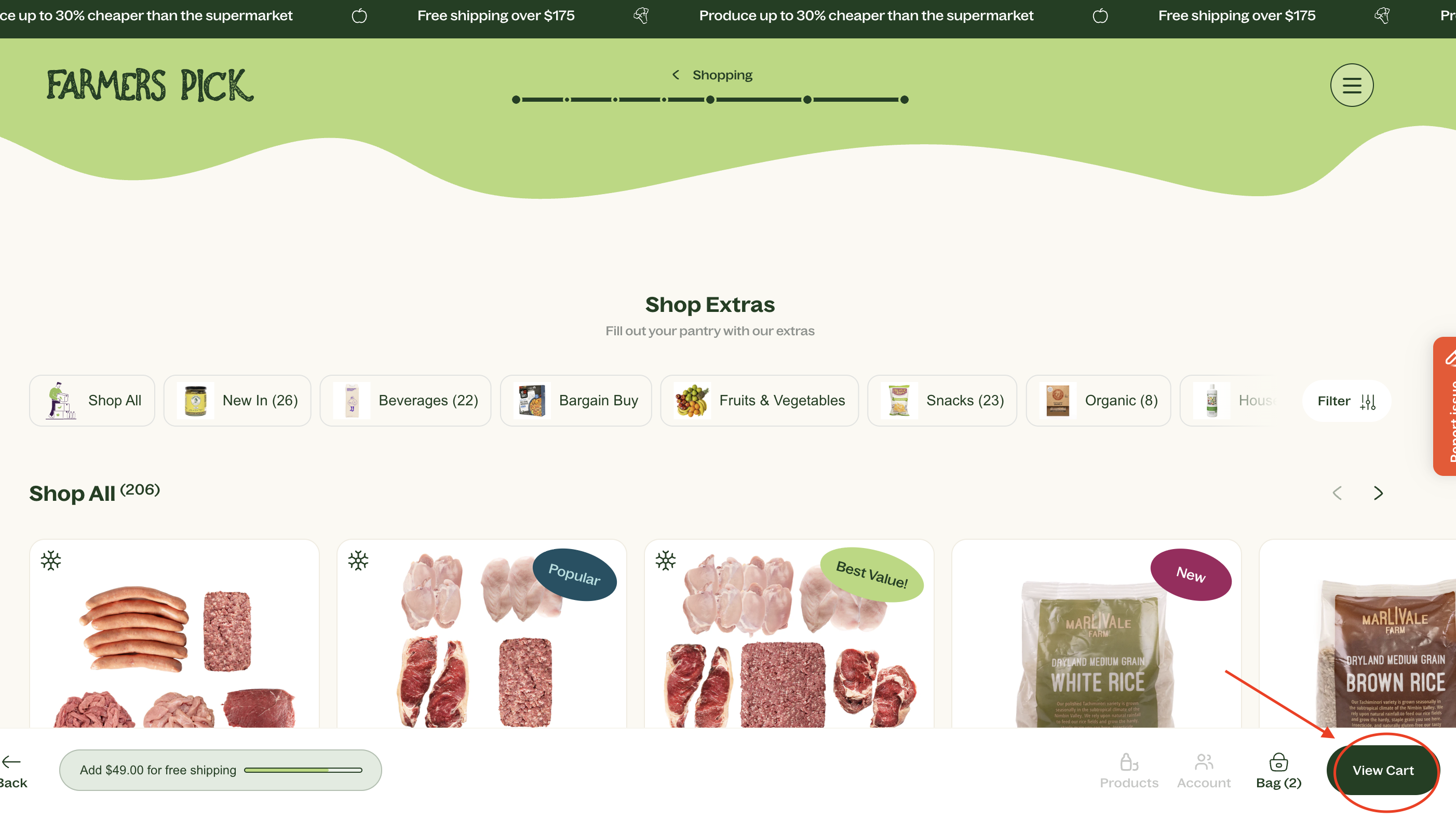
- Click Checkout
- Review the summary of your plan and any pantry items you’ve added.
- Apply any discount codes you have.
- If using ShopPay, sign in with your credentials; otherwise, verify your email, fill out your name and shipping address details, and click Pay Now to complete your purchase.
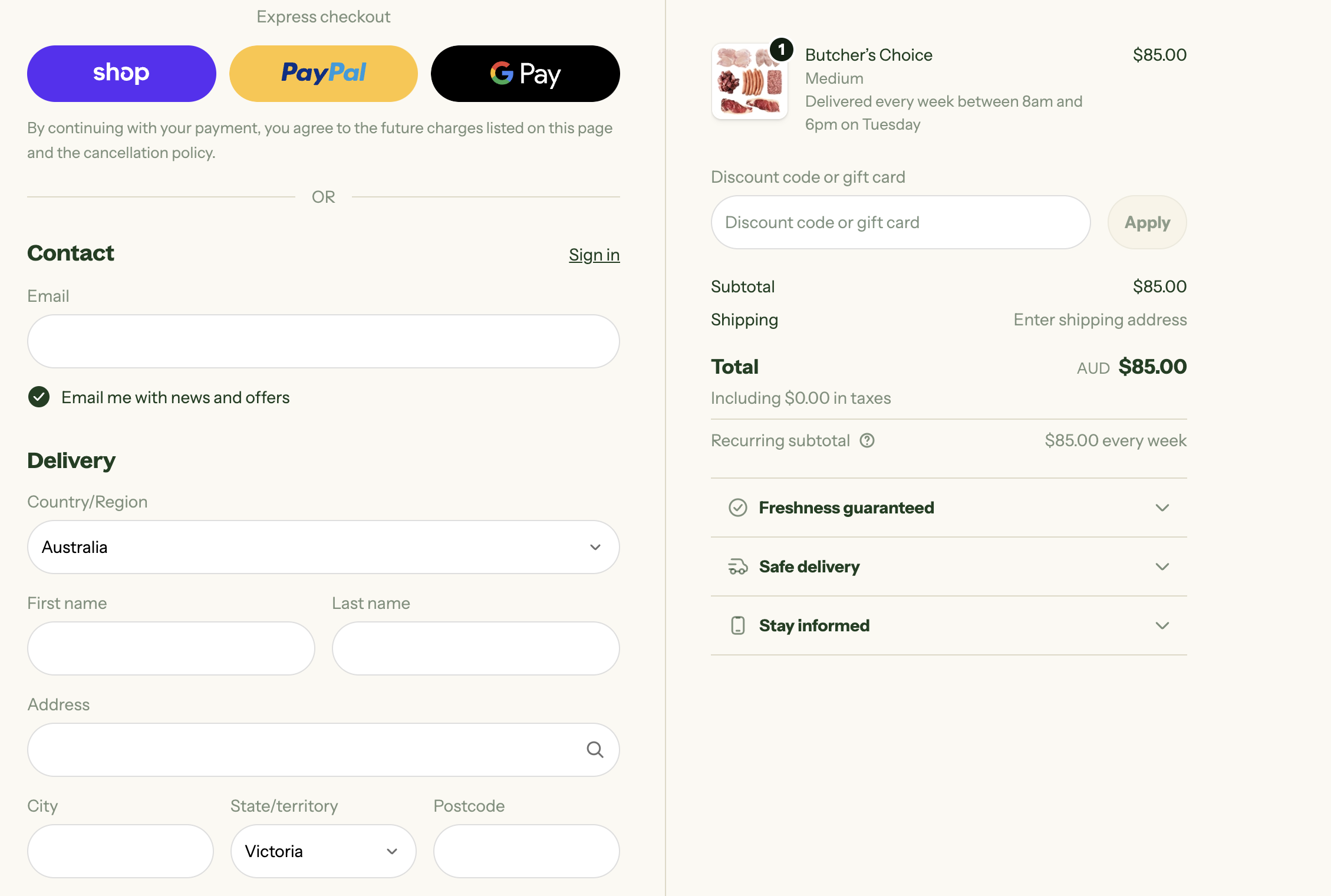
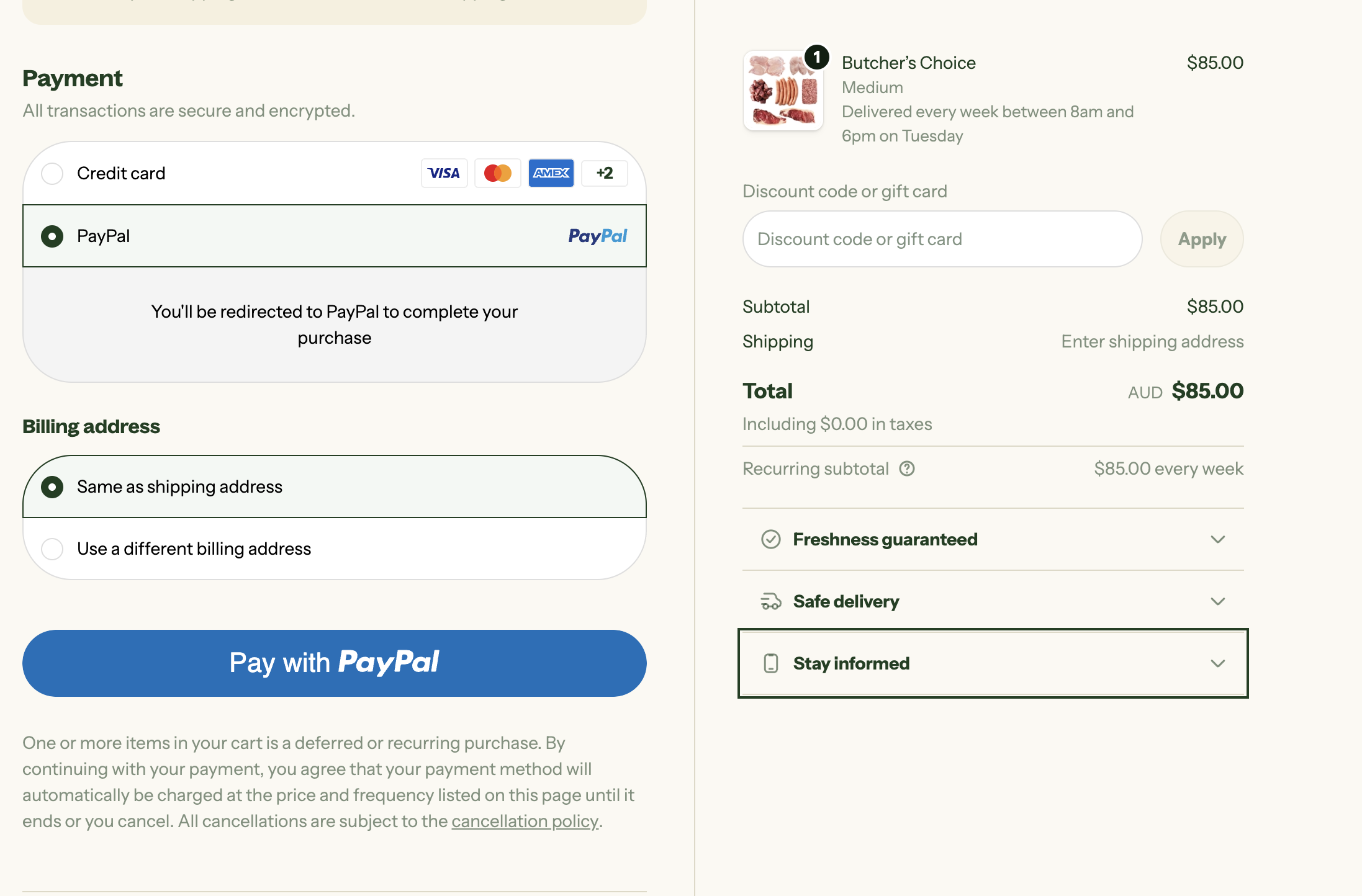
Step 3: Dietary Requirements
- Specify any fruit or vegetables you’d like excluded from your orders by choosing up to four unwanted items and clicking Exclude.
- If you don’t wish to exclude anything, click No.
Free shipping applies for orders over $175, you will see a widget in the bottom left corner which will let you know how much you need to spend to quality.
After submitting your order, you will receive a confirmation email.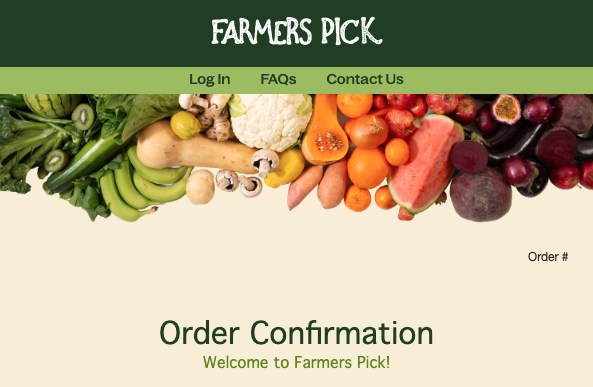
Should you have any further queries about your subscription, please don't hesitate to reach out to our Customer Experience team - they are always happy to assist!
We’re thrilled to welcome you to the Farmers Pick community and look forward to delivering fresh food right to your door!